
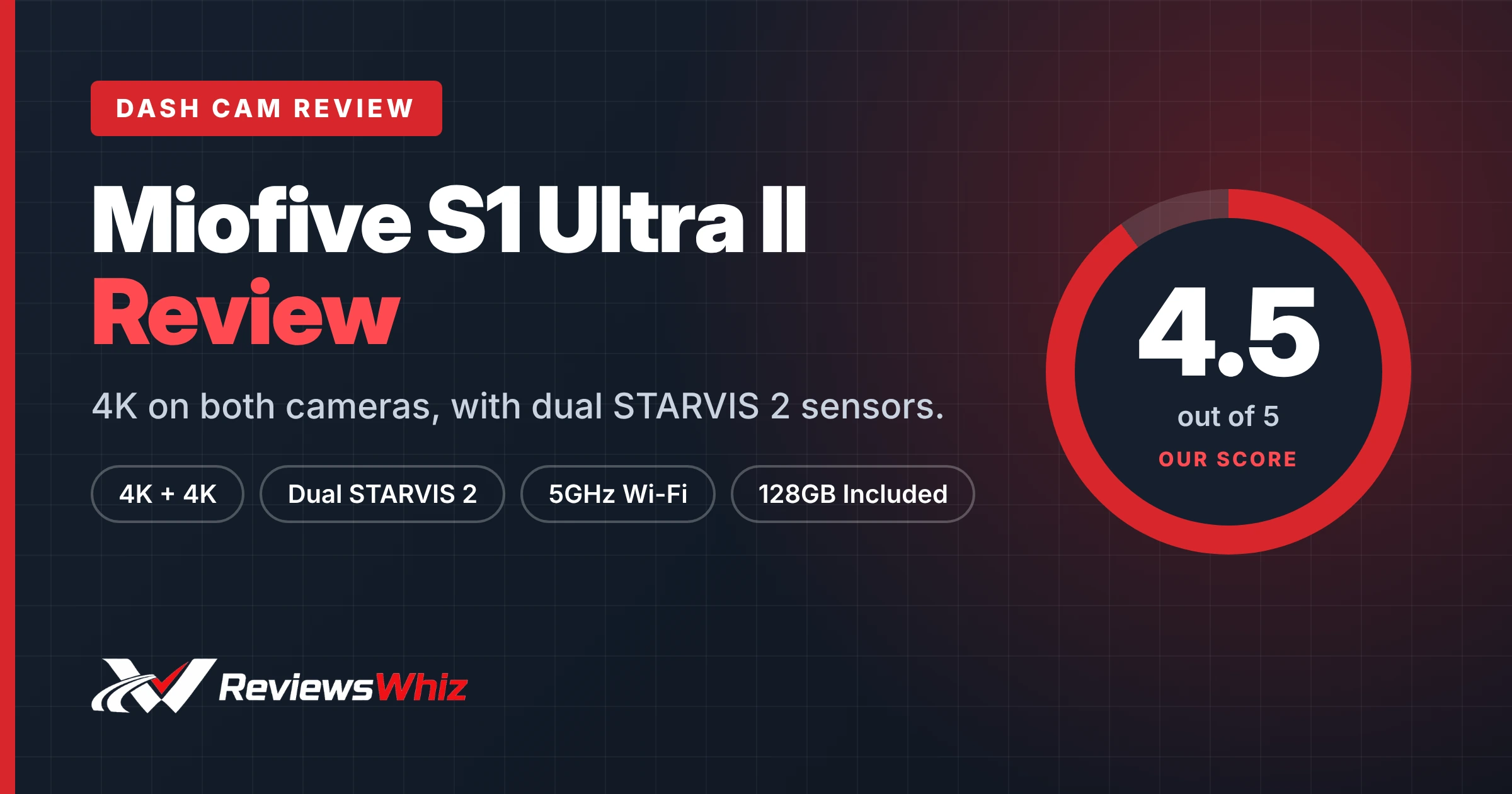
Miofive S1 Ultra II Review: True 4K Front and Rear
Affiliate disclosure: ReviewsWhiz is reader-supported. When you buy through links on this page, we may earn a commission from Amazon at no extra cost to you. Learn more.
The Miofive S1 Ultra II is a rare dash cam that records true 4K on both the front and rear cameras. Each uses a Sony STARVIS 2 IMX678 sensor.
In this Miofive S1 Ultra II review, we look at what dual 4K gets you and who should pay for it.

Miofive S1 Ultra II
4.5 / 5 ReviewsWhiz Score- True 4K front and rear
- Dual STARVIS 2 IMX678 sensors
- Fast 5GHz Wi-Fi with Bluetooth pairing
✅ Pros
- 4K rear camera
- Excellent sensors
- Quick app connection
- Supercapacitor
- 128GB card included
❌ Cons
- Expensive
- Dual 4K fills cards fast
- Parking mode needs a hardwire kit
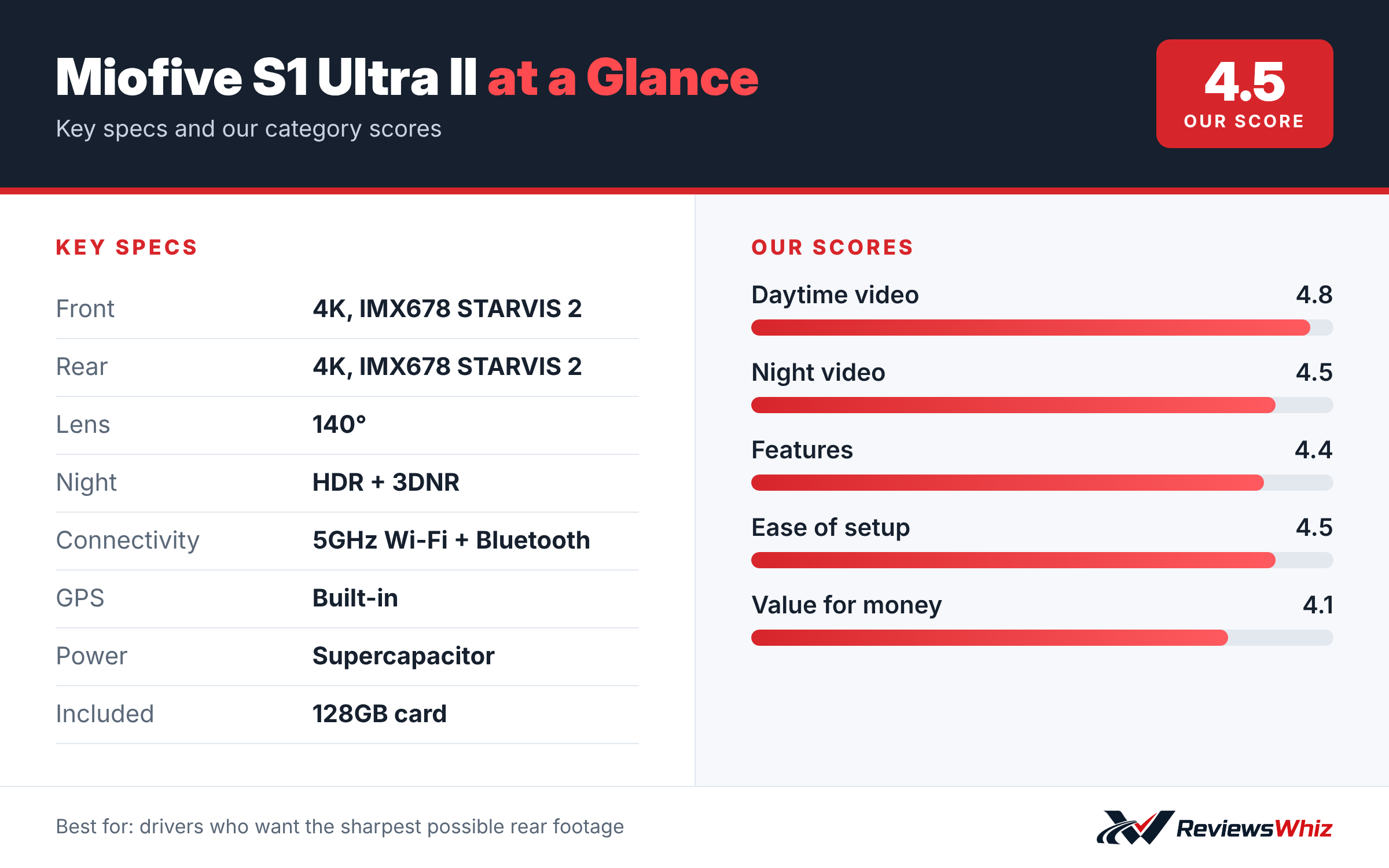
Miofive S1 Ultra II Key Specifications
| Front | 4K, IMX678 STARVIS 2 |
| Rear | 4K, IMX678 STARVIS 2 |
| Lens | 140° |
| Night | HDR + 3DNR |
| Connectivity | 5GHz Wi-Fi + Bluetooth |
| GPS | Built-in |
| Power | Supercapacitor |
| Included | 128GB card |
Video
Both cameras record 3840×2160 with 8MP IMX678 sensors and 140° lenses. Few dash cams offer a 4K rear, which helps you read plates in rear-end and parking incidents. HDR and 3DNR keep night video clean.
App and Connectivity
Bluetooth recognizes your phone automatically, then switches to 5GHz Wi-Fi for fast downloads. Built-in GPS logs speed and location, and US speed camera alerts are included.
Reliability
A supercapacitor handles heat and cold better than a battery. G-sensor locking protects crash clips, and 24-hour parking monitoring works with the optional hardwire kit.
Installing the Miofive S1 Ultra II
The S1 Ultra II records 4K on both the front and rear cameras, each with a Sony STARVIS 2 IMX678 sensor. Mount the front camera behind the mirror and run the rear cable to the back window. A 128GB card is included. For parking mode, add a hardwire kit.
Pair it with the Miofive app over 5GHz Wi-Fi and Bluetooth for fast, easy connection.
- Use the included 128GB card, or upgrade for longer history.
- Hardwire for parking mode.
- Check both views in the app.
- Update firmware regularly.
Why Dual 4K Matters
Most dual dash cams use a lower-resolution rear camera. With 4K front and rear, the S1 Ultra II captures sharp detail behind you too, which helps in rear-end collisions.
S1 Ultra II vs Other Premium Dash Cams
| Model | Main strength | Trade-off | Best for |
|---|---|---|---|
| Miofive S1 Ultra II | Dual 4K STARVIS 2 | Expensive, big files | Maximum detail |
| VIOFO A229 Pro | 4K and 2K, lower price | 2K rear | Value |
| BlackVue Elite 9 | Cloud, instant boot | Higher price | Premium parking |
| 70mai A810 | ADAS, Wi-Fi 6 | 1080P rear | Feature seekers |
Night Performance
HDR and 3D noise reduction help both cameras record clear footage at night.
Tips
- Use a 256GB card for dual 4K.
- Format monthly.
- Download important clips quickly.
Who Should Buy It
The S1 Ultra II is for drivers who want the best possible footage both ahead and behind, such as people who commute on busy highways, drive expensive cars or simply want maximum evidence quality. The included 128GB card and supercapacitor design add value. If you are on a budget, the VIOFO A229 Pro offers excellent 4K front and 2K rear footage for less.
App and Connectivity
The Miofive app connects over Bluetooth to wake the camera’s 5GHz Wi-Fi automatically, which makes connecting faster than cameras that require manual Wi-Fi switching. You can view, download and share clips, change settings and update firmware from the app.
Parking Mode Tips
- Use a hardwire kit with low-voltage cutoff.
- Choose motion or impact detection to save storage.
- Check saved parking events regularly.
Who Should Buy the Miofive S1 Ultra II?
Buy it if you want the best rear footage and do not mind paying for it.
Skip it if you want a lower price. The VIOFO A229 Pro has a 2K rear for less.
Alternatives to Consider
- VIOFO A229 Pro: 4K + 2K for less.
- BlackVue Elite 9: Premium cloud features.
- 70mai A810: Mid-range 4K.
Final Verdict
The Miofive S1 Ultra II is one of the few true dual 4K dash cams. If rear detail matters most, it is worth a close look.
Helpful Free Car Tools
- Dash Cam SD Card Recording Time Calculator: Hours of video by card size, resolution and channels.
- Dash Cam Field of View Calculator: Road width covered at a distance.
- Browse all free car tools and calculators
Related Reviews
Frequently Asked Questions
Is the Miofive S1 Ultra II 4K front and rear?
Yes, both cameras record 4K.
What sensors does it use?
Two Sony STARVIS 2 IMX678 sensors.
Does it have GPS?
Yes, built-in.
Is a memory card included?
Yes, 128GB.
Does it use a battery?
No, a supercapacitor.
Does the Miofive S1 Ultra II record 4K on both cameras?
Yes. Both the front and rear cameras record 4K with STARVIS 2 IMX678 sensors.
Is a memory card included?
Yes, a 128GB card is included.
Does it have parking mode?
Yes, with a hardwire kit for constant power.
Does it have GPS?
Yes, GPS is built in.
Is it good in hot weather?
Yes. It uses a supercapacitor, which handles heat better than batteries.
Why are files so large?
Dual 4K recording uses a lot of data, so cards fill faster. A larger card gives more history.
How we evaluated: this review is based on the manufacturer’s published specifications, the product’s feature set, and how it compares with competing products in the same price range. Product details and images are provided by Amazon and may change. Prices and availability are accurate as of the time shown on Amazon and are subject to change.